



Orders without waiting
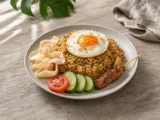
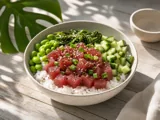
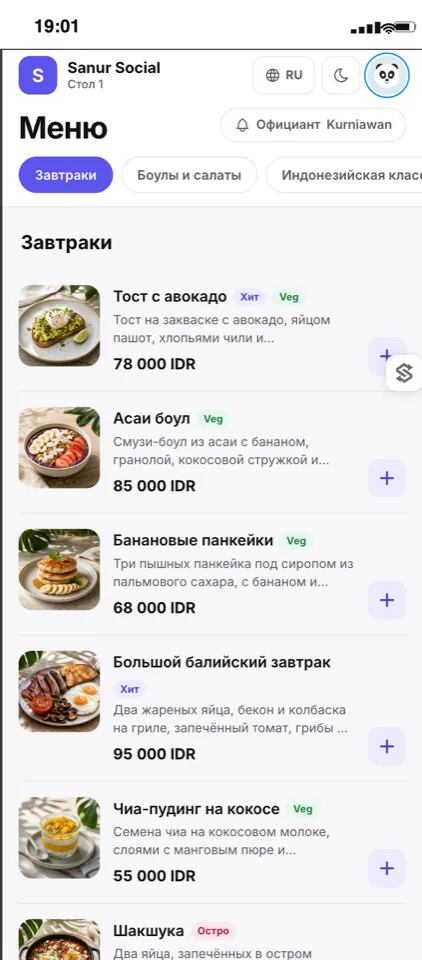
- Menu with photos and modifiers in their own language
- The cart isn't lost on reload
- Reorder and call a waiter with one button
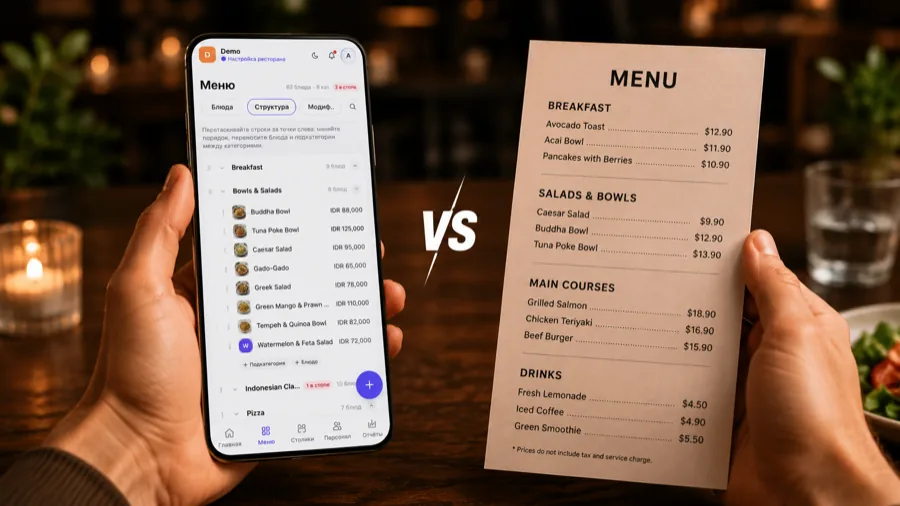
TapTapMenu is a QR menu with ordering, in every guest's own language. The waiter sees the order instantly in their workspace, and your POS stays yours.


It survives a page reload, a dead battery and a change of device — the order won't be lost.
While the table is open, guests add items themselves — the average check grows without anyone chasing a waiter.
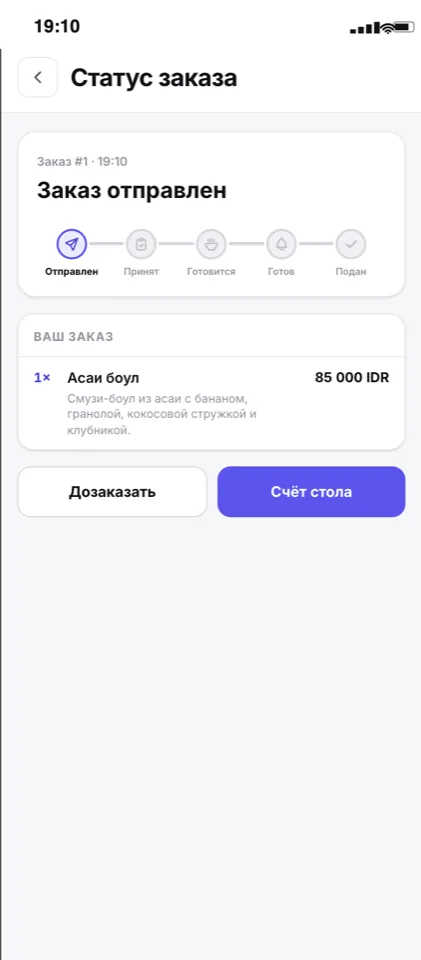
Calls and messages happen right inside the service, and order statuses are visible in real time.
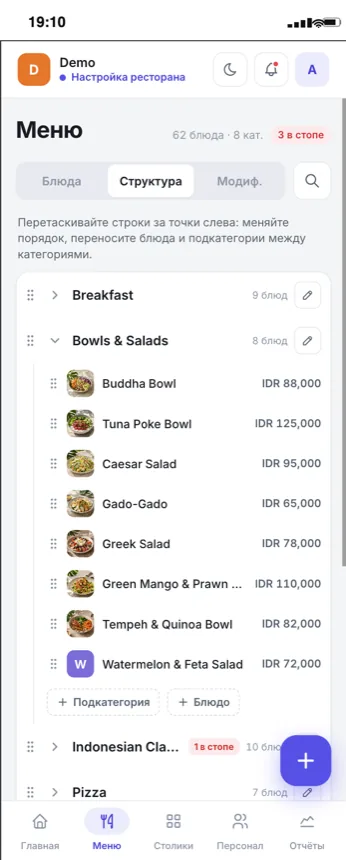
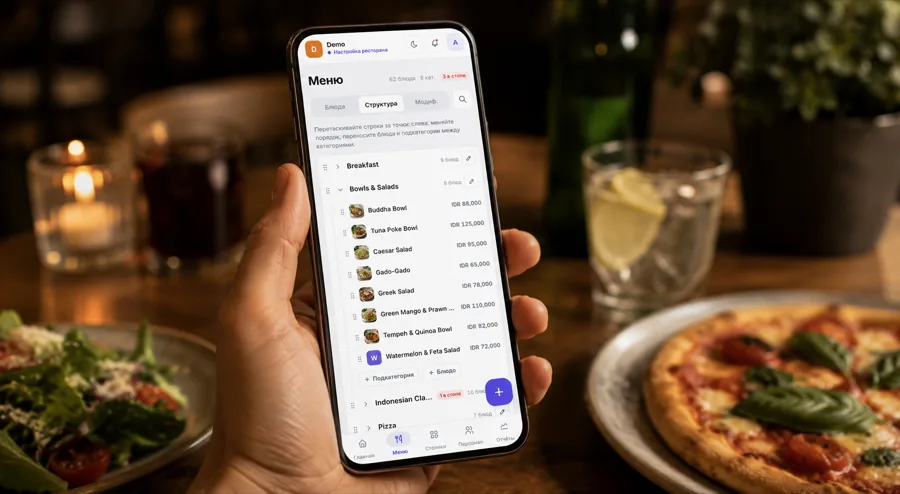
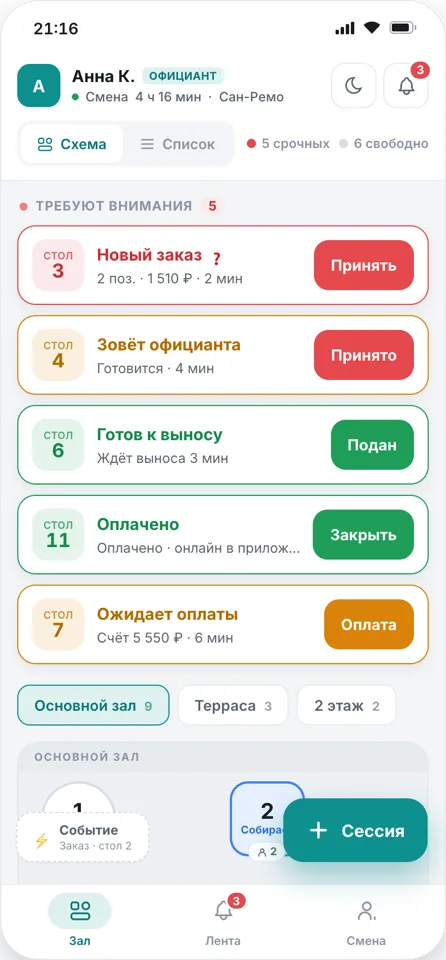
On the left is the guest's phone with a live menu, on the right the waiter's workspace. Place an order as the guest and watch it appear at the waiter's side instantly.
Open the live demo No install, no call, no loginThe guest menu, the waiter's workspace and the admin panel all run on the same data — in real time.
TapTapMenu plugs into the way you already work: your POS, your kitchen and your team's habits stay exactly as they are.
The waiter rings the order up exactly as before — nobody has to be retrained. Menu and tables are set up in a day.
A cart, “accepted — cooking — served” statuses, one-tap reordering and a shared table bill: the order reaches the waiter on its own.
The guest is already sitting in your dining room: we take no commission on orders and never steer them to the place next door.
The code lives while the table is open and closes together with the bill — no stray or accidental orders reach the kitchen.
Self-service sign-up opens shortly. Leave your email — we'll send you the link first. While early access lasts, the service is free with no limits, and after the official launch you keep using it free for another six months.
While early access lasts, the service is free with no limits. When we launch officially and introduce paid plans, you keep using it free for another 6 months.
Join during early access and you won't pay later either: after the official launch your restaurant keeps another 6 free months.
The app runs on your company's servers — all data stays with you. We tailor it to your brand and the way your venues work. This is a paid service, available today.
Didn't find your answer? Write to hi@taptap.menu — we reply within a day.
No. The menu opens in the phone's browser right after scanning the QR — no install, no sign-up. It works on any smartphone.
No. TapTapMenu sits on top of your current process: the waiter gets the order on their phone and rings it up as usual.
Early access is running now: leave your email and we'll send the sign-up link as soon as we open. After that the service walks you through it step by step: categories, dishes with photos and translations, tables and QR codes — it takes a day.
While early access lasts, the service is free with no limits. When we launch officially and introduce paid plans, your restaurant keeps using it free for another 6 months. The only thing we charge for is large chain deployments — installing the app on their own servers and customising it for their brand.
The QR code is tied to a specific visit. Once the table is closed, the link only shows the menu — orders are accepted from guests at the table only.
The restaurant enables the languages it needs in the admin panel, and the guest picks theirs when opening the menu — dish translations can be set for any of them.
We ship updates and write here what changed. Every improvement reaches all restaurants at once — there is nothing to update on your side.
Current version — 1.0.3